Tutorials
Step by step, from your first script to reinforcement learning and ROS 2. The ROS 2 tutorials run entirely in the browser; for the others, Getting started sets up the API on your own PC.
Robots
Open a robot and drive it with the buttons or W/A/S/D. Every simulator has the same obstacle course, so you can see who gets over what; every robot can also be programmed through the API.
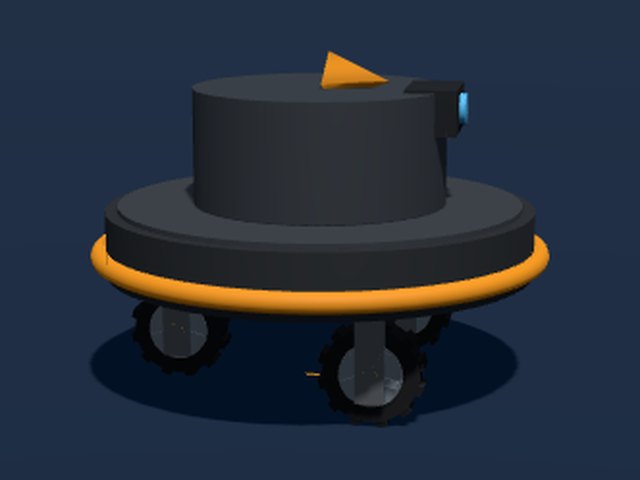
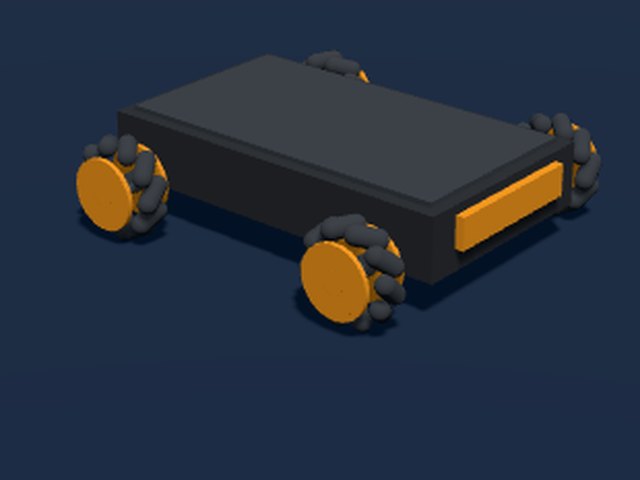
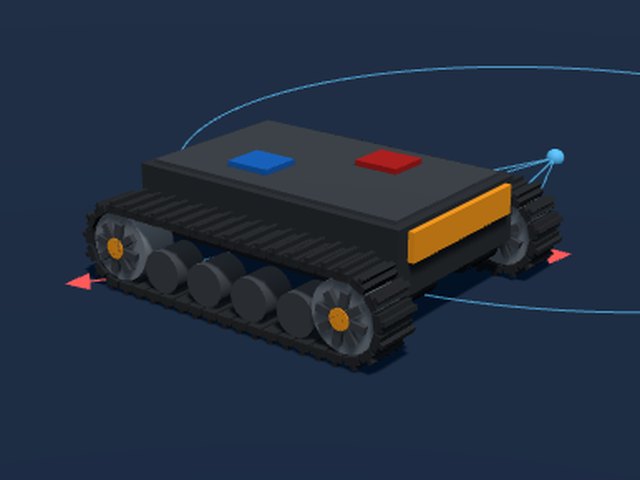
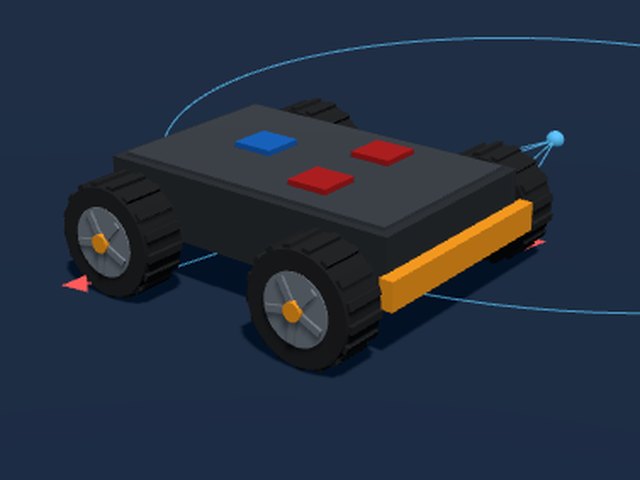
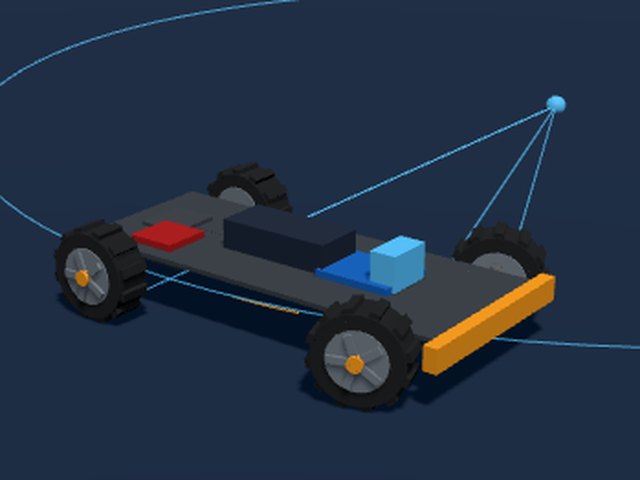
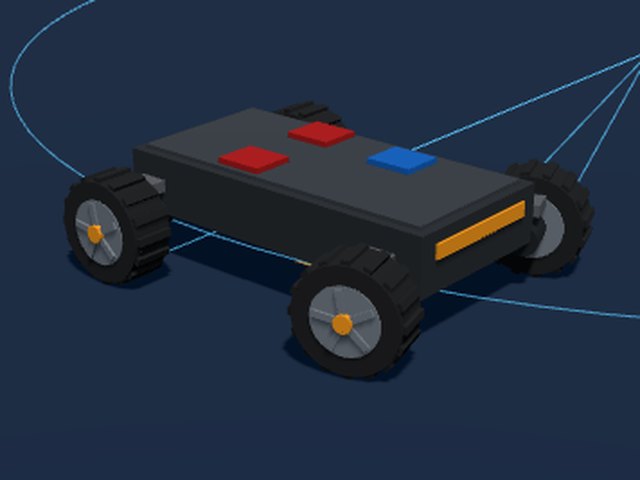
Drive types One generic robot for every way to drive
Each simulator shows which motors there are, the PWM and direction every H-bridge gets, and how the robot moves as a result. Drive with the buttons or with W/A/S/D.
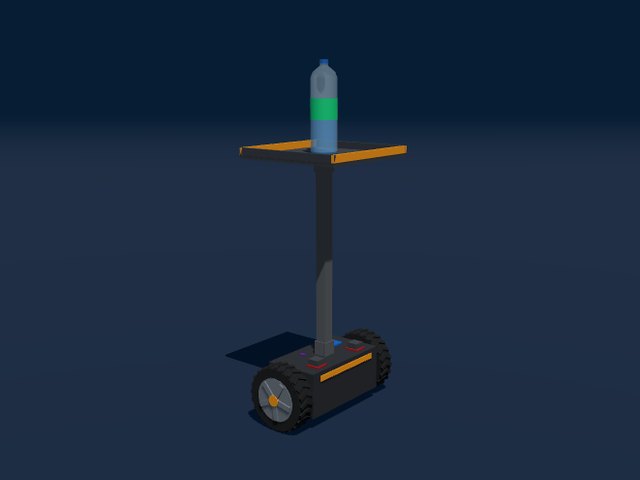
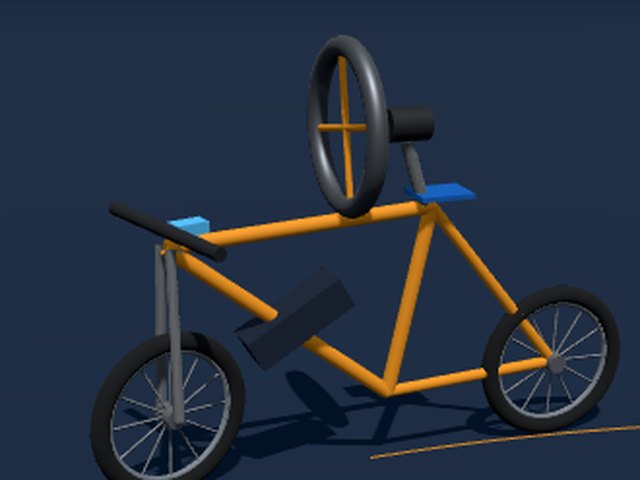
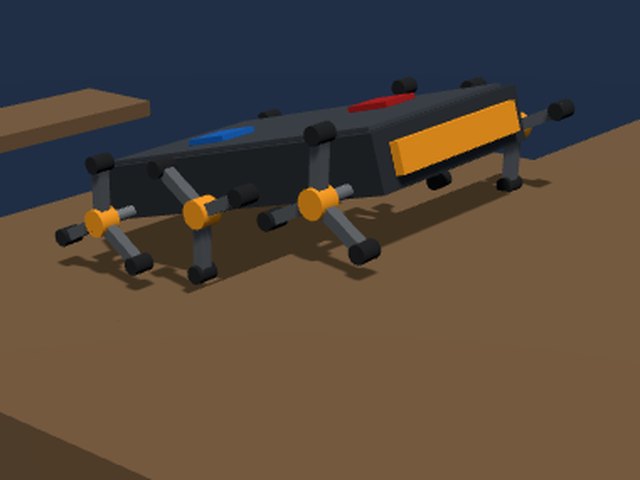
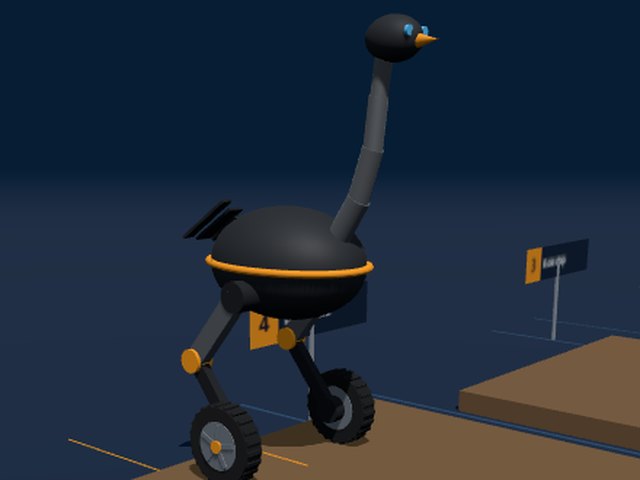
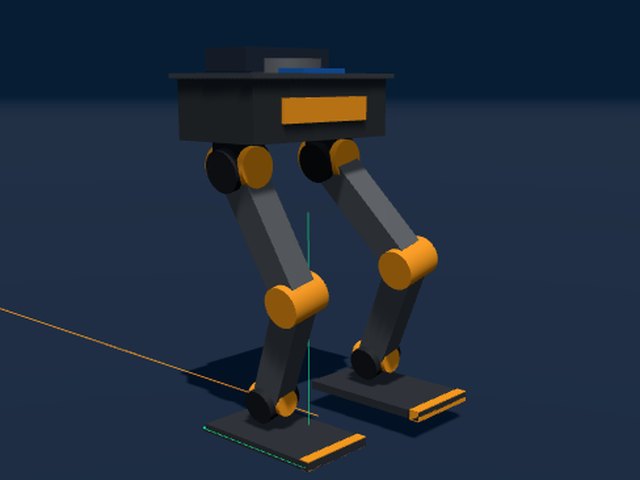
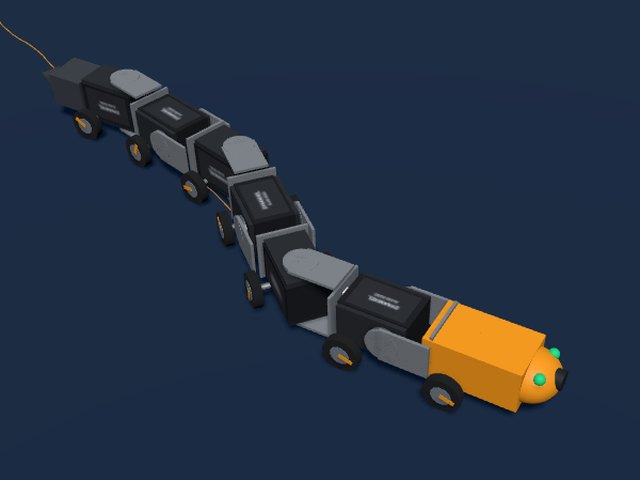
Legs and snakes Servos, inverse kinematics and balance
Legs instead of wheels, or both. The snake has neither: it moves only by changing its shape and letting friction push back.
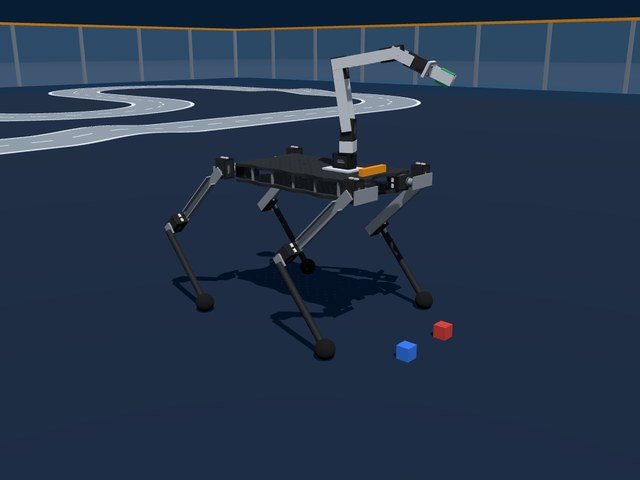
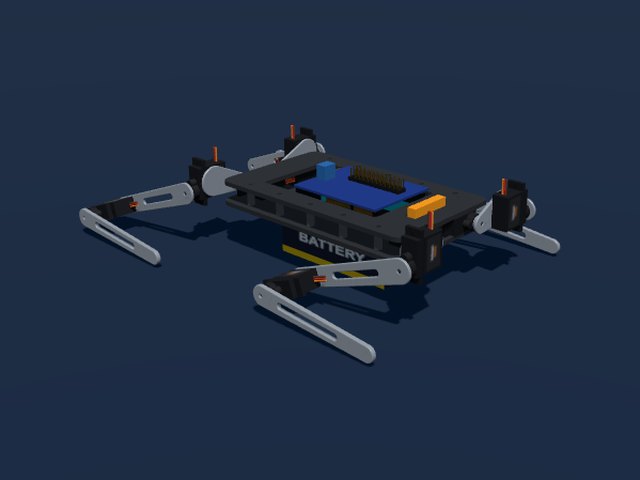
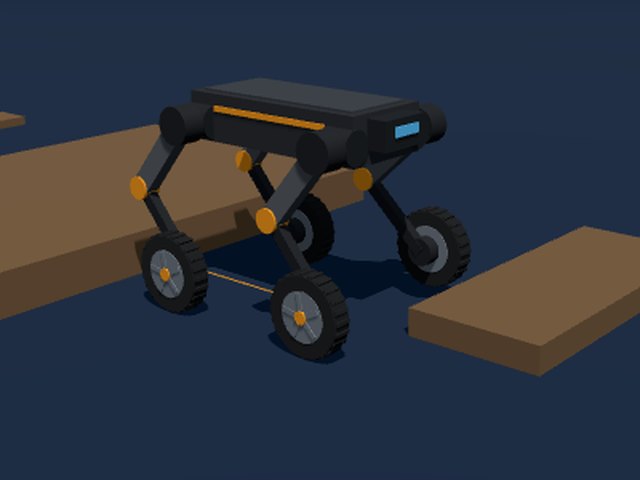
Robot arms Joints, a gripper and a camera at the wrist
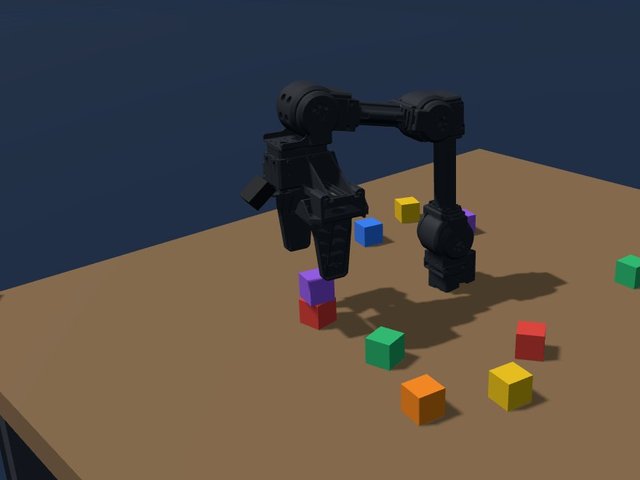
Arms on a table with blocks to pick and stack. The xArm and OpenMANIPULATOR-X can also be a digital twin of the real arm.
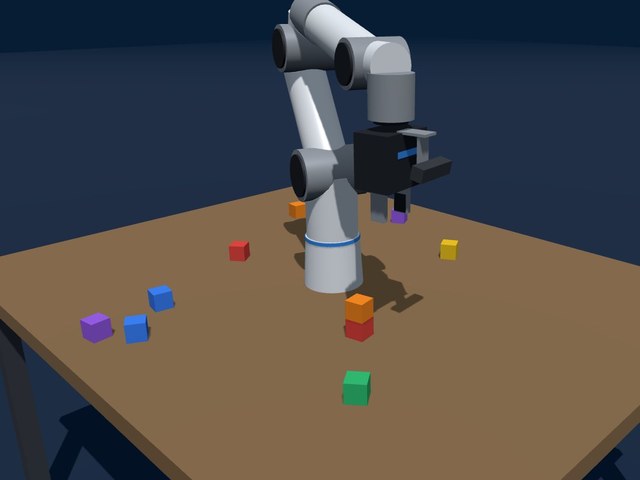
UFACTORY xArm 5 Lite / 6 / 7 / 850
On a table with coloured blocks: four models from 5 to 7 joints, 70 or 85 cm reach
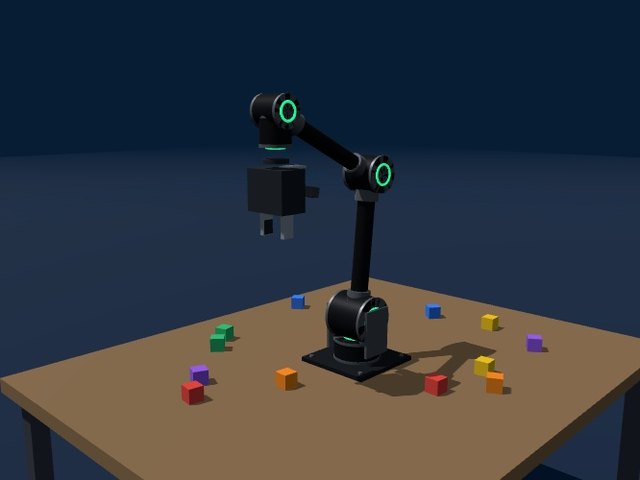
Lynxmotion SES-PRO
900 mm 5DoF arm with smart servos, driven by the LSS serial protocol
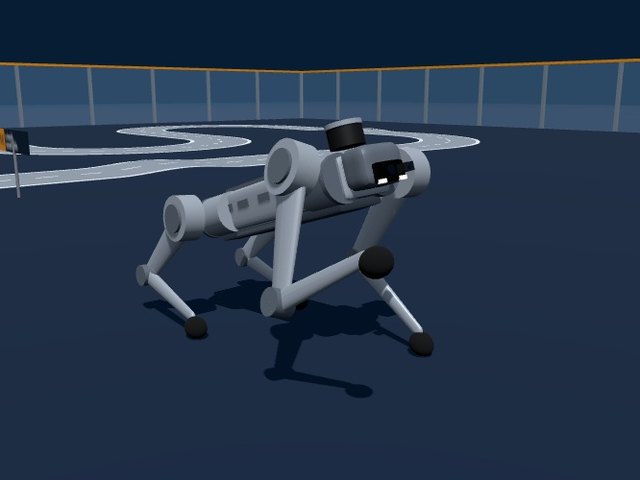
Robot dogs Real quadrupeds, driven with their real interface
At their real size, with the commands the real robot accepts: WebRTC or unitree_sdk2, the AgiBot SDK, xgolib or OpenCat serial tokens. Every button shows the line that does the same on the real robot.
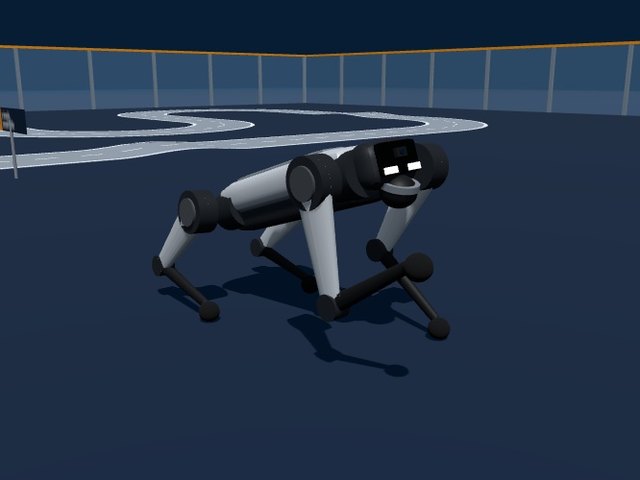
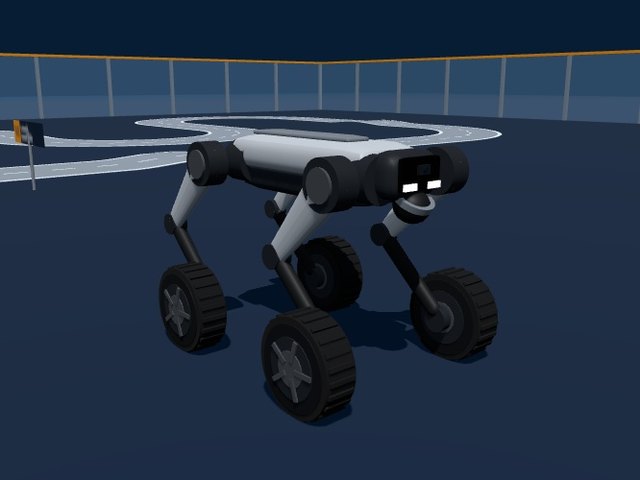
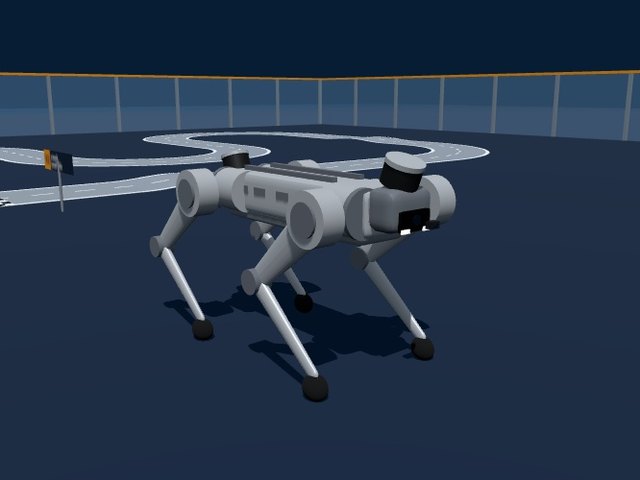
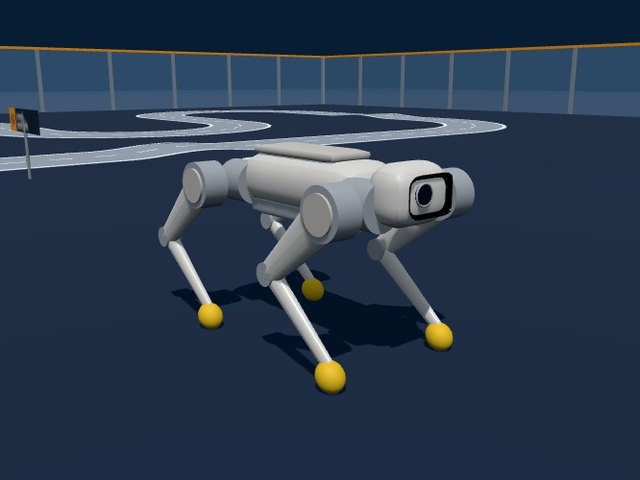
AgiBot D1 Edu
Robot dog driven with the HighLevel functions of AgiBot's official SDK
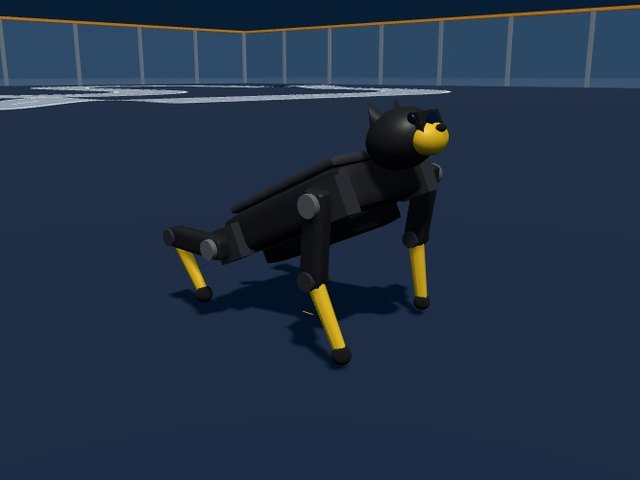
Petoi Bittle X
Palm-sized robot dog with its real OpenCat skills, driven by serial tokens
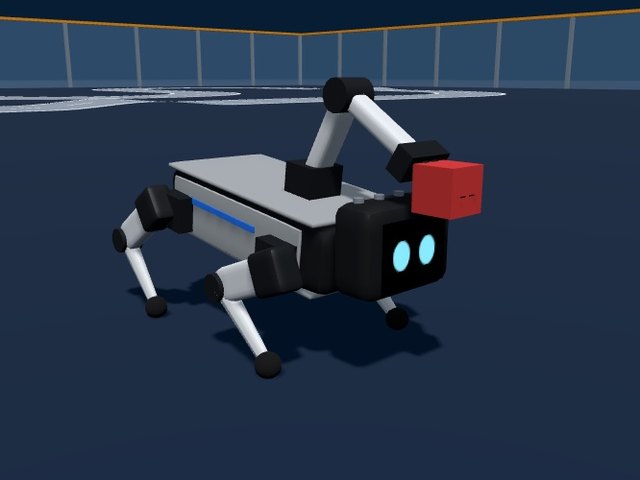
XGO-Lite3 / Mini2
Desktop robot dog with an arm and gripper, programmed in Python with xgolib
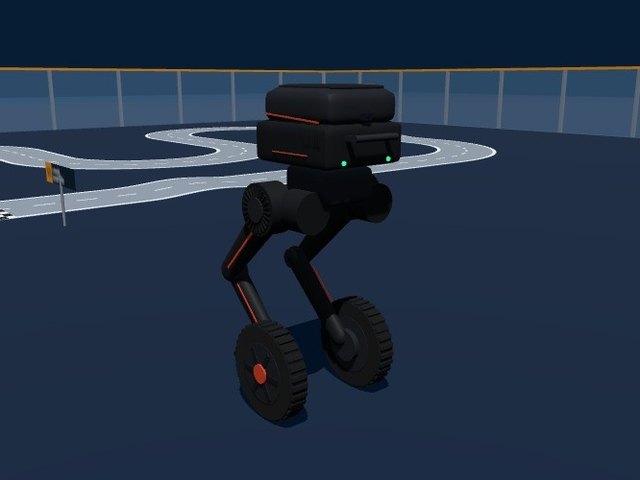
Humanoids and bipeds Real two-legged robots
State machines, walking and gestures, through WebRTC, unitree_sdk2, the Booster SDK or the LimX WebSocket API.
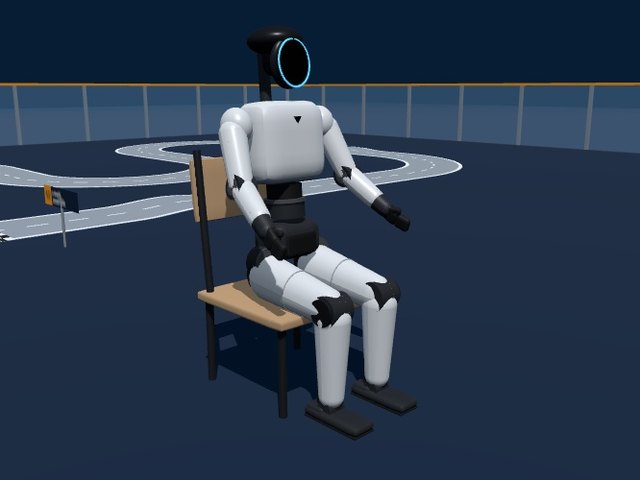
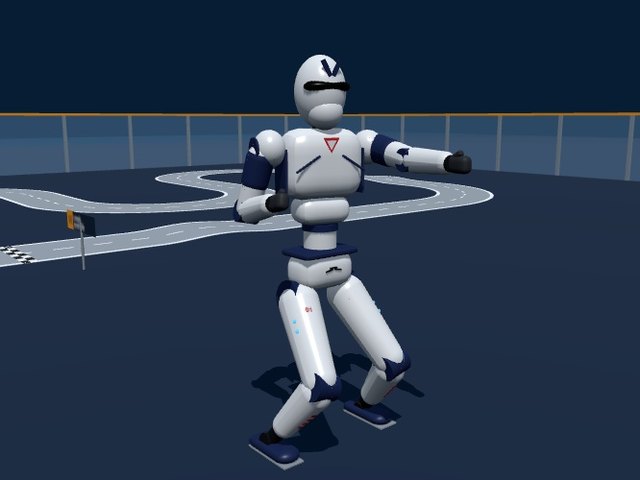
Unitree R1 / R1 Air
Light humanoid with its own state machine: Lock, Run, dances and kung fu
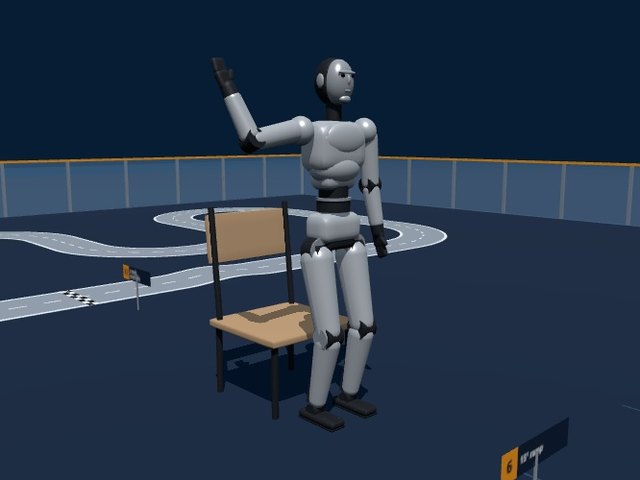
Unitree H2
Full-size 1.82 m humanoid, programmed with unitree_sdk2's high-level API
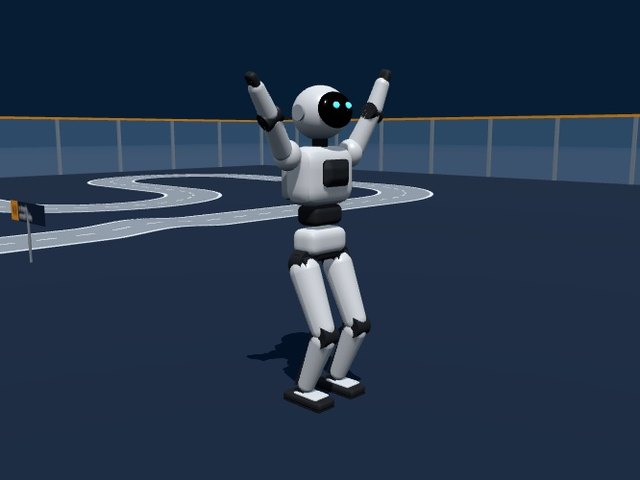
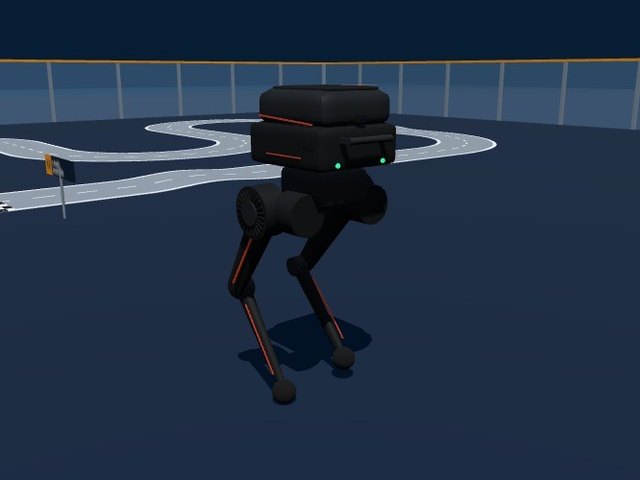
LimX TRON 1
Biped with swappable feet: point feet, soles or wheels
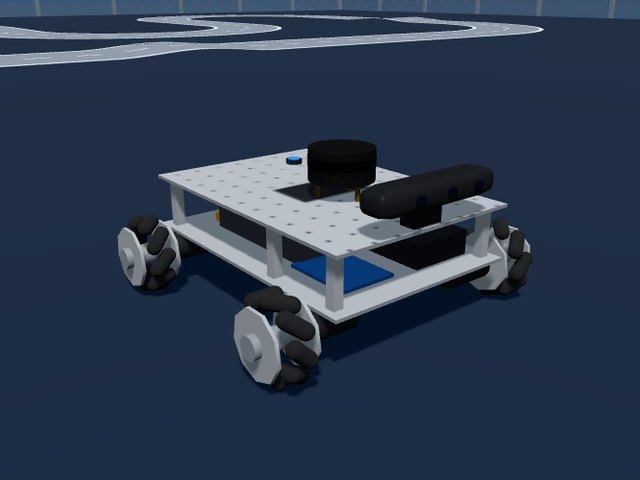
Wheeled robots Real ROS 2 and education robots
Mobile robots with LiDAR, cameras and odometry. Most are driven the ROS 2 way, with a terminal on the page for the ros2 command line; the Jetson kits take Python.
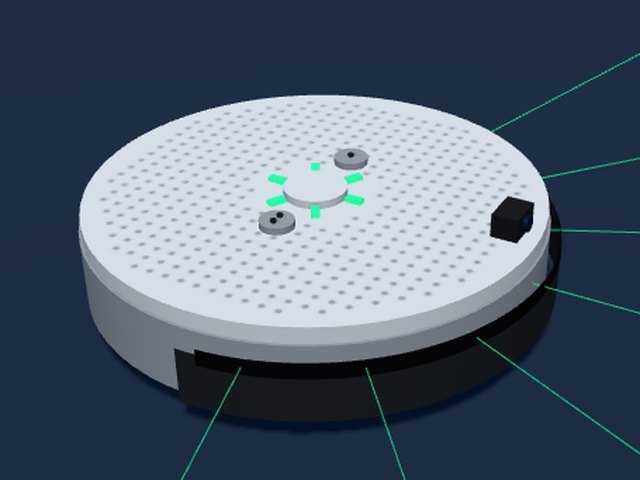
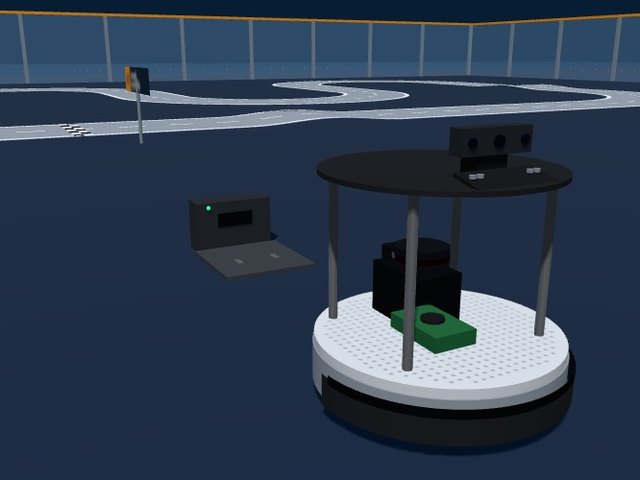
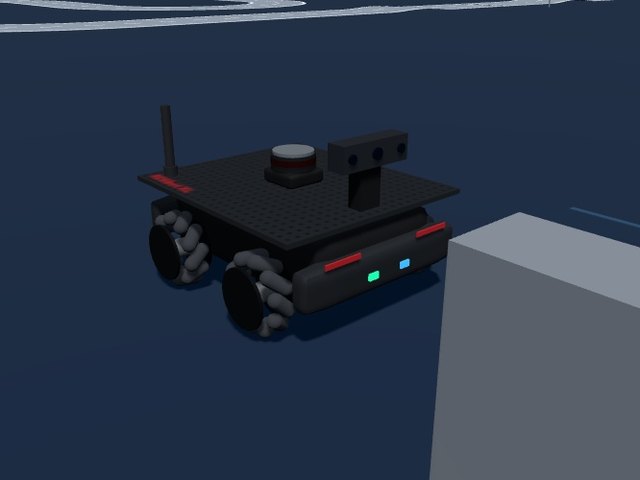
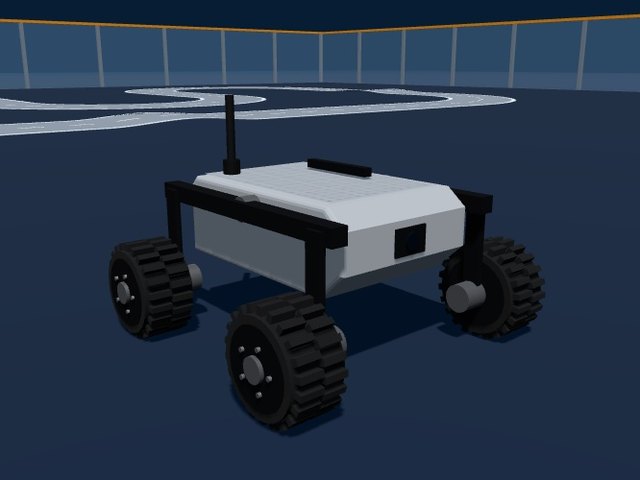
Husarion ROSbot XL
The ROS 2 platform with mecanum or rubber wheels, LiDAR and camera
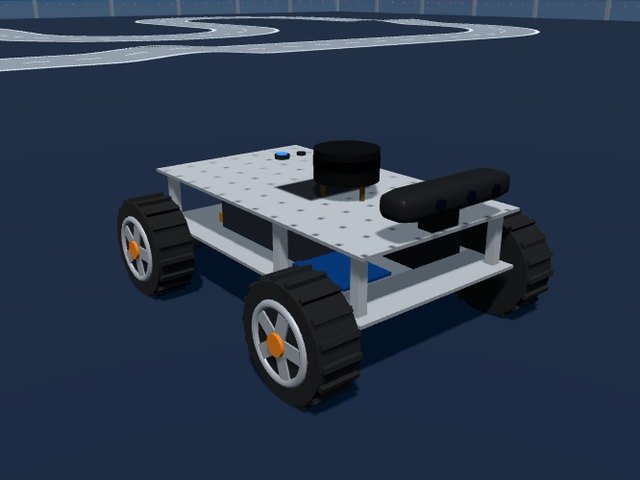
Roboworks Rosbot 2 / Mecabot 2
ROS 2 education kits: car steering or mecanum wheels, LSLiDAR and Astra camera
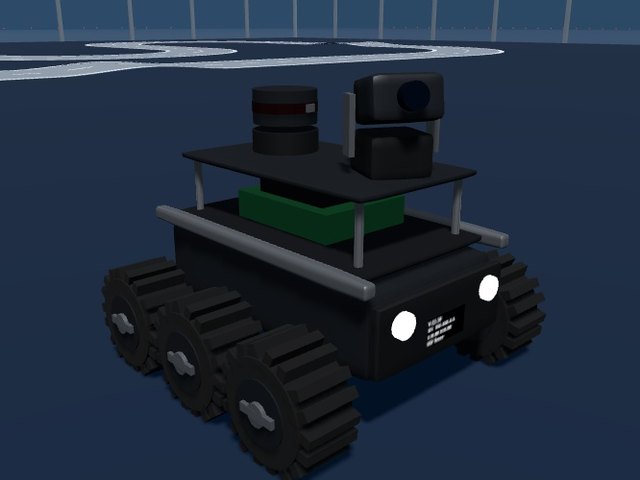
Waveshare UGV Rover
Six-wheel ROS 2 rover with LiDAR and a pan-tilt camera, also driven by ESP32 JSON
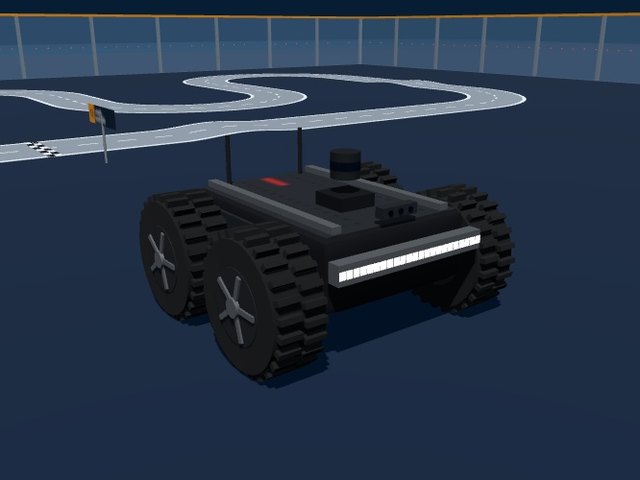
Husarion Panther
55 kg outdoor UGV: off-road or mecanum wheels, LED bumper lights, ROS 2
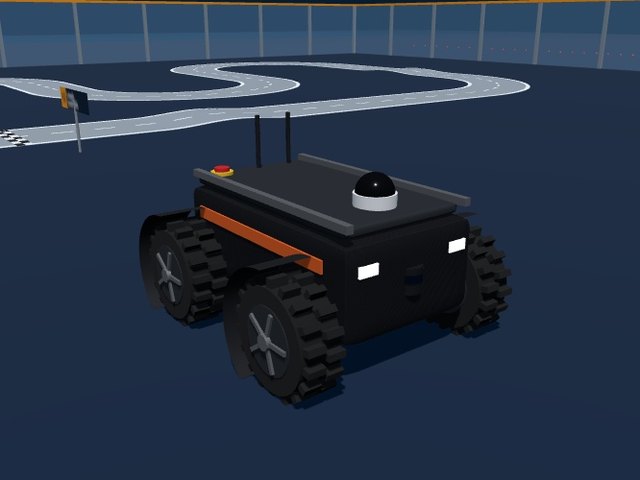
Robotnik SUMMIT-XL
Indoor / outdoor research robot: skid or mecanum, laser and PTZ camera, ROS 2
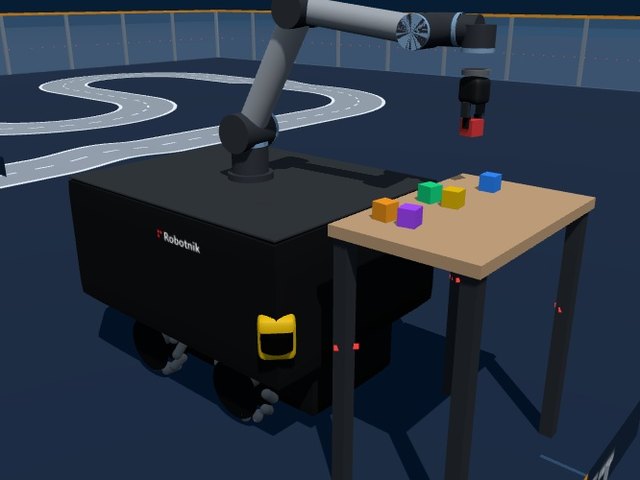
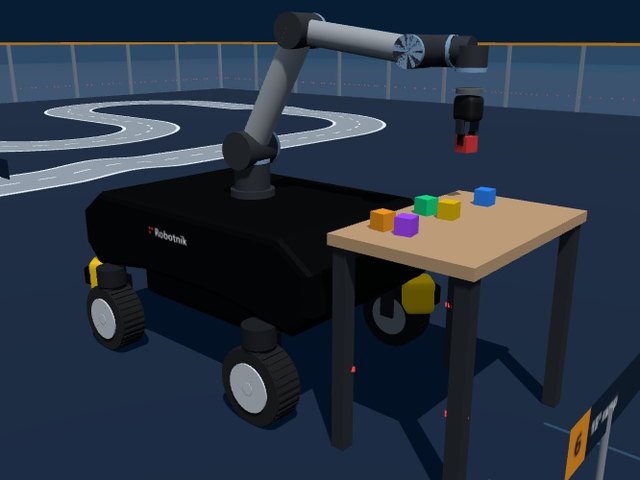
Robotnik RB-KAIROS+ / RB-VOGUI+
Mobile manipulators: an omnidirectional base with a UR5e arm that picks blocks from a table
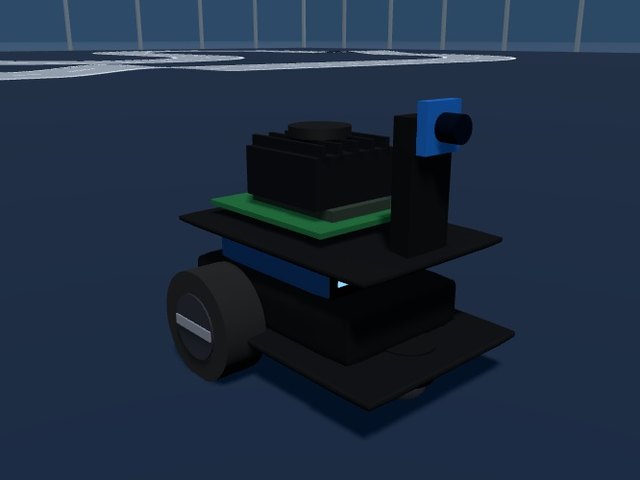
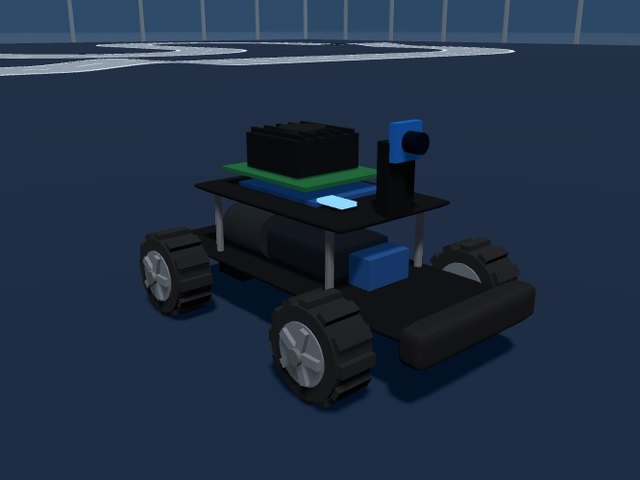
Who gets over what?
Every robot drove straight into each obstacle of the course with its default settings. In the corridor every robot drives by itself: robots that move sideways slide round the corner, robots that turn on the spot turn there, car-like robots steer through the bend. Some do better after tuning, such as the humanoid legs with a higher step.
✓ gets over it✗ stuck: hover to see why▶ click a picture to watch the hardest obstacle it takes
| Robot | 1. 1 cm cable | 2. 3 cm threshold | 3. 6 cm step | 4. 12 cm curb | 5. Stairs 3 × 7 cm | 6. 15° ramp | 7. 30° ramp | 8. Gaps 5 + 12 cm | 9. Gravel | 10. 60 cm corridor + turn | Score |
|---|---|---|---|---|---|---|---|---|---|---|---|
| ✓ | ✓ | ✗ | ✗ | ✗ | ✓ | ✗ | ✓ | ✓ | ✓ | 6/10 | |
| ✓ | ✓ | ✗ | ✗ | ✗ | ✓ | ✗ | ✓ | ✓ | ✗ | 5/10 | |
| ✓ | ✗ | ✗ | ✗ | ✗ | ✓ | ✗ | ✗ | ✓ | ✓ | 4/10 | |
| ✓ | ✗ | ✗ | ✗ | ✗ | ✓ | ✗ | ✗ | ✗ | ✓ | 3/10 | |
| ✓ | ✗ | ✗ | ✗ | ✗ | ✓ | ✗ | ✗ | ✗ | ✓ | 3/10 | |
| ✓ | ✗ | ✗ | ✗ | ✗ | ✓ | ✗ | ✗ | ✓ | ✓ | 4/10 | |
| ✓ | ✓ | ✓ | ✗ | ✓ | ✓ | ✓ | ✓ | ✓ | ✓ | 9/10 | |
| ✓ | ✓ | ✗ | ✗ | ✗ | ✓ | ✓ | ✗ | ✓ | ✓ | 6/10 | |
| ✓ | ✗ | ✗ | ✗ | ✗ | ✓ | ✗ | ✗ | ✗ | ✓ | 3/10 | |
| ✓ | ✗ | ✗ | ✗ | ✗ | ✓ | ✓ | ✗ | ✓ | ✓ | 5/10 | |
| ✓ | ✓ | ✓ | ✗ | ✓ | ✓ | ✓ | ✓ | ✓ | ✓ | 9/10 | |
| ✓ | ✗ | ✗ | ✗ | ✗ | ✗ | ✗ | ✗ | ✗ | ✓ | 2/10 | |
| ✓ | ✓ | ✓ | ✓ | ✓ | ✓ | ✓ | ✗ | ✓ | ✓ | 9/10 | |
| ✓ | ✓ | ✗ | ✗ | ✗ | ✓ | ✓ | ✗ | ✓ | ✓ | 6/10 | |
| ✓ | ✓ | ✓ | ✓ | ✓ | ✓ | ✓ | ✓ | ✓ | ✗ | 9/10 | |
| ✓ | ✓ | ✓ | ✓ | ✓ | ✓ | ✓ | ✓ | ✓ | ✓ | 10/10 | |
| ✓ | ✗ | ✗ | ✗ | ✗ | ✓ | ✗ | ✓ | ✓ | ✓ | 5/10 | |
| ✗ | ✗ | ✗ | ✗ | ✗ | ✗ | ✗ | ✓ | ✗ | ✓ | 2/10 | |
| ✓ | ✗ | ✗ | ✗ | ✗ | ✗ | ✗ | ✓ | ✗ | ✓ | 3/10 | |
| ✓ | ✗ | ✗ | ✗ | ✗ | ✓ | ✗ | ✓ | ✓ | ✓ | 5/10 | |
| ✓ | ✓ | ✓ | ✓ | ✓ | ✓ | ✓ | ✗ | ✓ | ✓ | 9/10 | |
| ✓ | ✓ | ✓ | ✗ | ✓ | ✓ | ✗ | ✓ | ✓ | ✓ | 8/10 | |
| ✓ | ✗ | ✗ | ✗ | ✗ | ✗ | ✗ | ✗ | ✗ | ✓ | 2/10 | |
| ✓ | ✓ | ✓ | ✓ | ✓ | ✓ | ✓ | ✓ | ✓ | ✗ | 9/10 | |
| ✓ | ✓ | ✓ | ✗ | ✓ | ✓ | ✗ | ✓ | ✓ | ✓ | 8/10 | |
| ✓ | ✗ | ✗ | ✗ | ✗ | ✓ | ✗ | ✗ | ✓ | ✓ | 4/10 | |
| ✓ | ✓ | ✓ | ✗ | ✓ | ✓ | ✓ | ✓ | ✓ | ✓ | 9/10 | |
| ✓ | ✗ | ✗ | ✗ | ✗ | ✓ | ✗ | ✗ | ✓ | ✓ | 4/10 | |
| ✓ | ✗ | ✗ | ✗ | ✗ | ✓ | ✗ | ✗ | ✓ | ✗ | 3/10 | |
| ✓ | ✗ | ✗ | ✗ | ✗ | ✓ | ✗ | ✗ | ✗ | ✓ | 3/10 | |
| ✓ | ✓ | ✗ | ✗ | ✗ | ✓ | ✗ | ✗ | ✓ | ✓ | 5/10 | |
| ✗ | ✗ | ✗ | ✗ | ✗ | ✓ | ✗ | ✗ | ✗ | ✓ | 2/10 | |
| ✓ | ✗ | ✗ | ✗ | ✗ | ✓ | ✗ | ✗ | ✗ | ✓ | 3/10 | |
| ✓ | ✗ | ✗ | ✗ | ✗ | ✓ | ✗ | ✗ | ✓ | ✓ | 4/10 | |
| ✓ | ✓ | ✓ | ✓ | ✓ | ✓ | ✓ | ✓ | ✓ | ✗ | 9/10 | |
| ✓ | ✓ | ✓ | ✓ | ✓ | ✓ | ✓ | ✓ | ✓ | ✗ | 9/10 | |
| ✓ | ✓ | ✓ | ✓ | ✓ | ✓ | ✓ | ✓ | ✓ | ✓ | 10/10 | |
| ✓ | ✓ | ✓ | ✓ | ✓ | ✓ | ✗ | ✓ | ✓ | ✓ | 9/10 | |
| ✓ | ✓ | ✗ | ✗ | ✗ | ✓ | ✗ | ✓ | ✓ | ✓ | 6/10 | |
| ✓ | ✓ | ✓ | ✓ | ✓ | ✓ | ✓ | ✓ | ✓ | ✓ | 10/10 | |
| ✓ | ✓ | ✗ | ✗ | ✗ | ✓ | ✓ | ✓ | ✓ | ✓ | 7/10 | |
| ✓ | ✓ | ✓ | ✓ | ✓ | ✓ | ✓ | ✓ | ✓ | ✗ | 9/10 | |
| ✓ | ✓ | ✓ | ✗ | ✓ | ✓ | ✓ | ✓ | ✓ | ✗ | 8/10 | |
| ✓ | ✓ | ✗ | ✗ | ✗ | ✗ | ✗ | ✓ | ✓ | ✗ | 4/10 | |
| ✓ | ✓ | ✗ | ✗ | ✗ | ✓ | ✗ | ✓ | ✓ | ✗ | 5/10 |